🌡
Time as Temperature
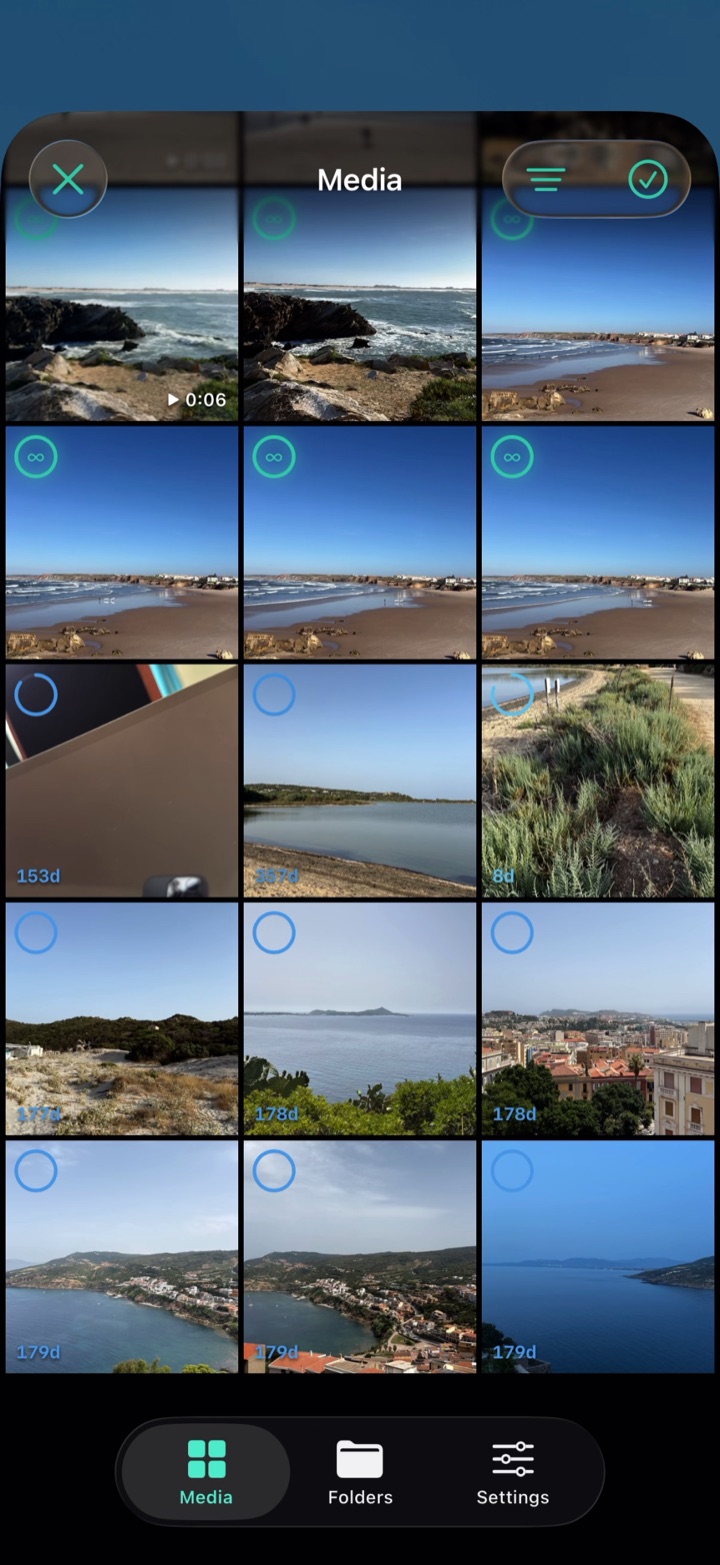
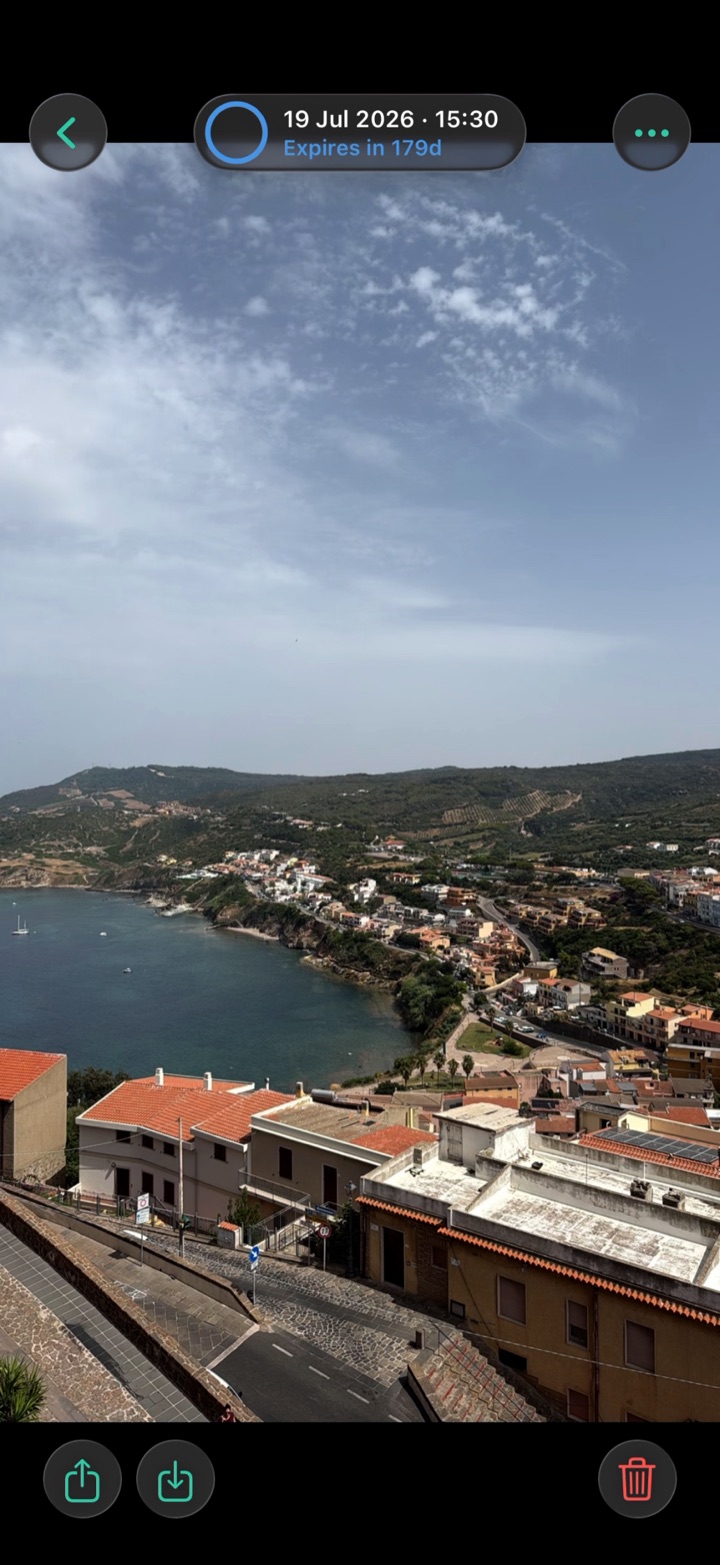
Each capture holds the colour of its own lifespan from the moment you shoot it. A decay ring on every thumbnail empties in real time beside a live countdown — and when the timer ends, it flares once and dissolves.
⏱
Timers That Fit You
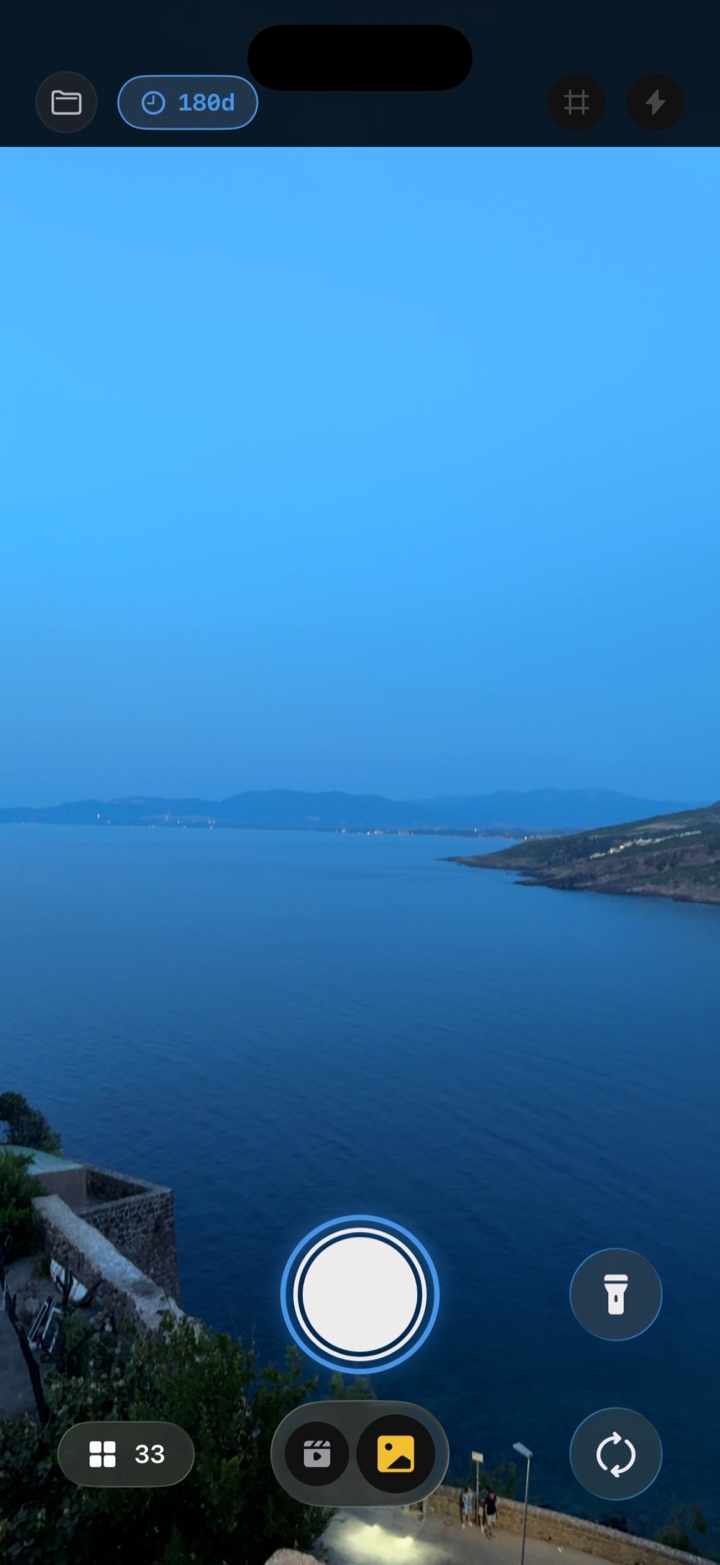
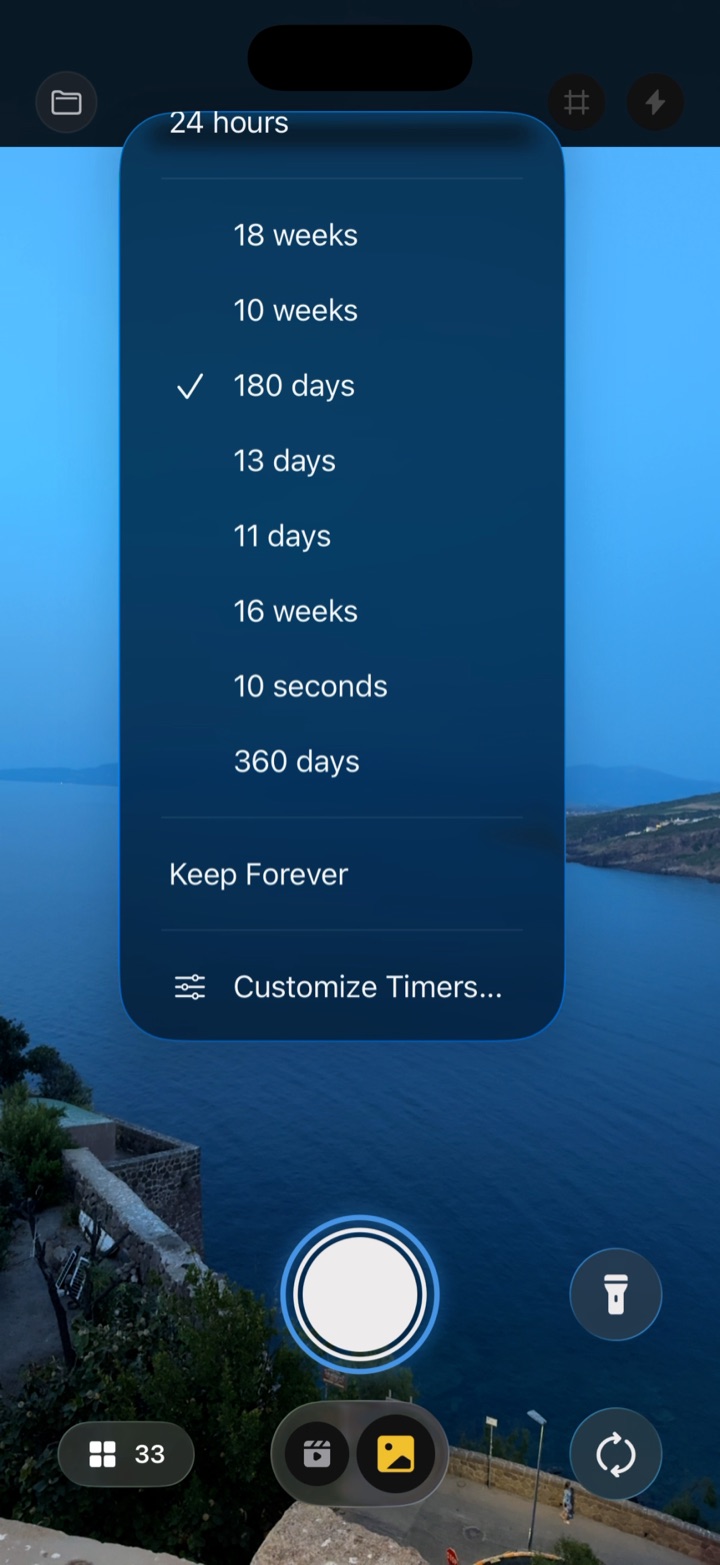
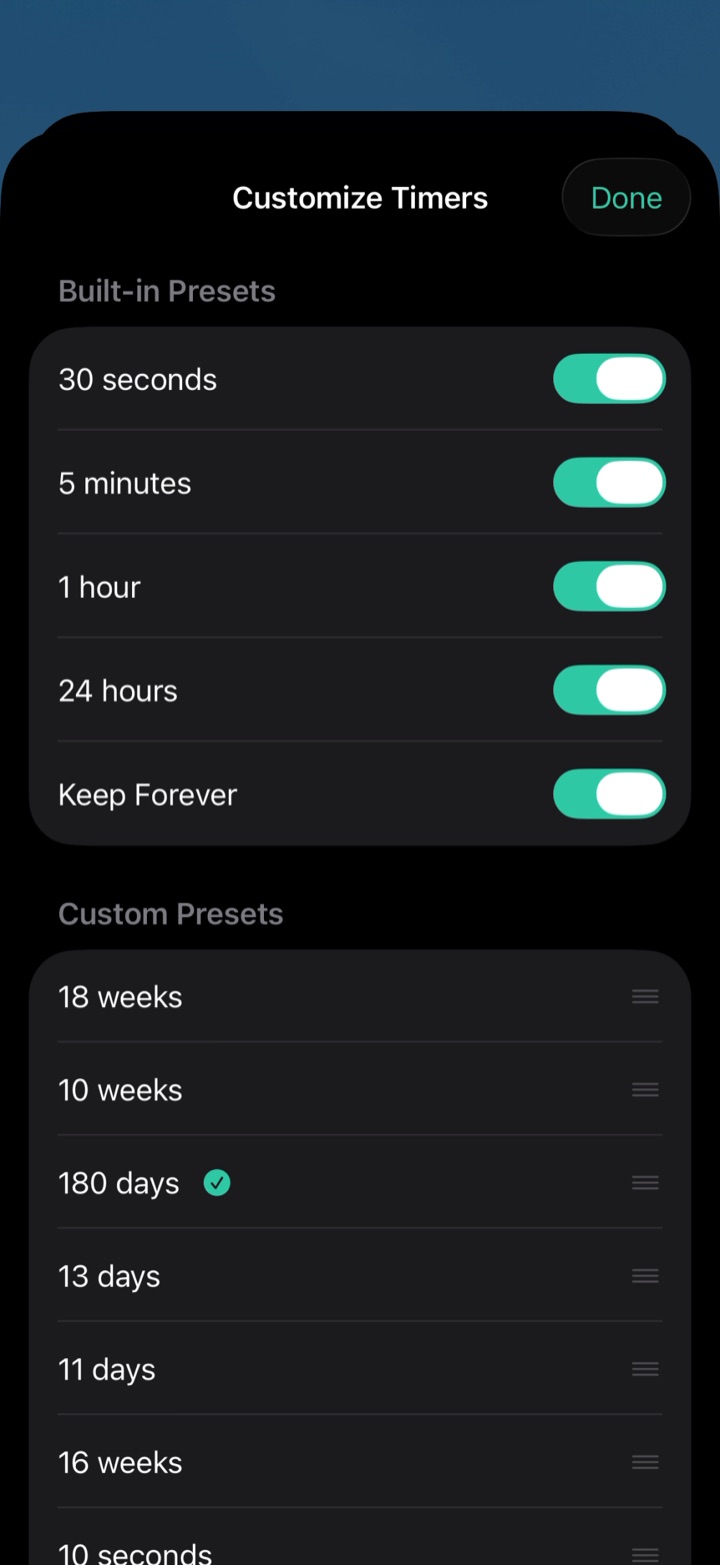
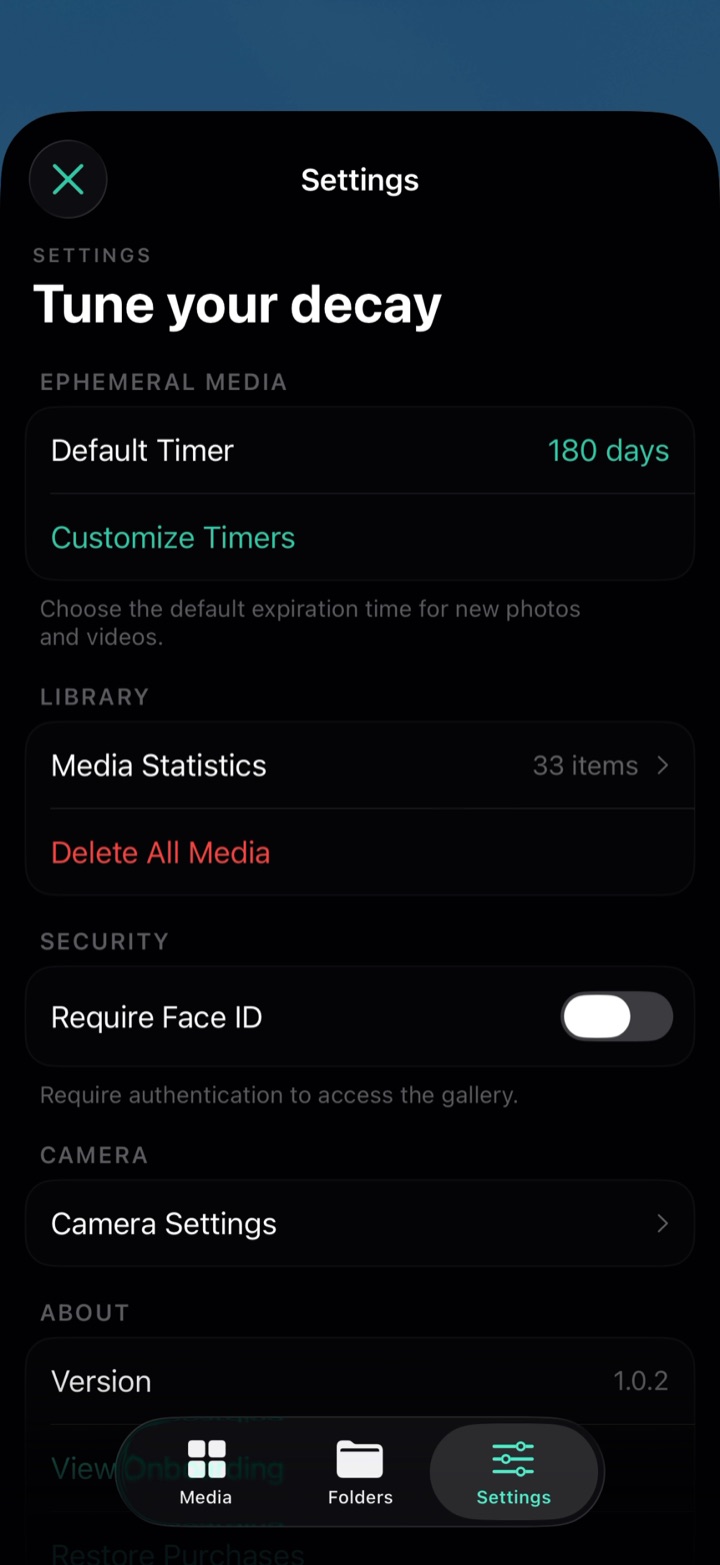
Thirty seconds, five minutes, one hour and 24 hours are built in. Pro adds Keep Forever plus custom presets of any length up to a year — and they follow your device language, correctly pluralised.
🔒
Cryptographic Deletion
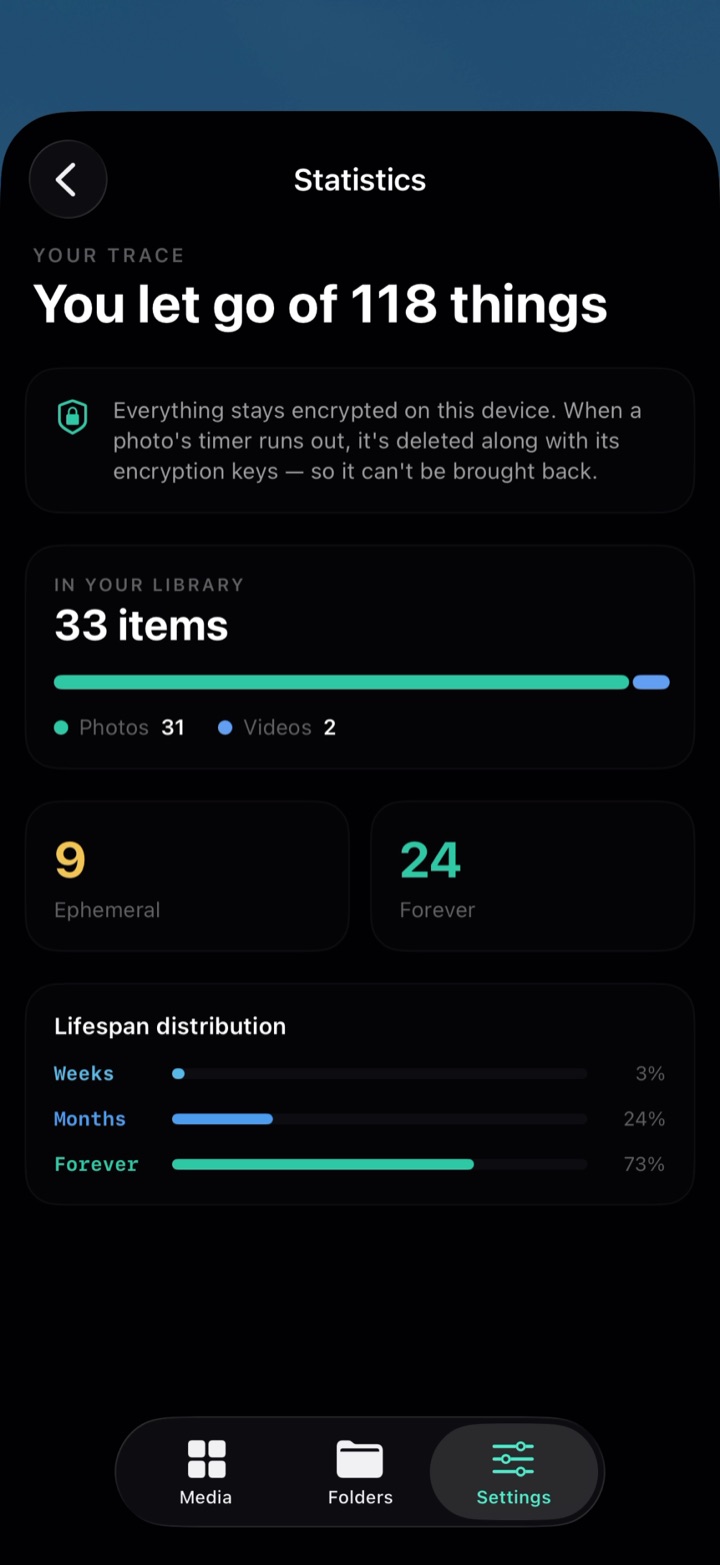
Every file is encrypted at rest with its own 256-bit key, anchored in your device’s Secure Enclave. When a capture expires, iOS destroys that key and whatever remains on the flash is cryptographically useless.
☁
Never Backed Up
Captures are excluded from iCloud and iTunes backups, so a photo can’t outlive its own timer inside a backup somewhere. No trash, no Recently Deleted, no second copy anywhere.
📁
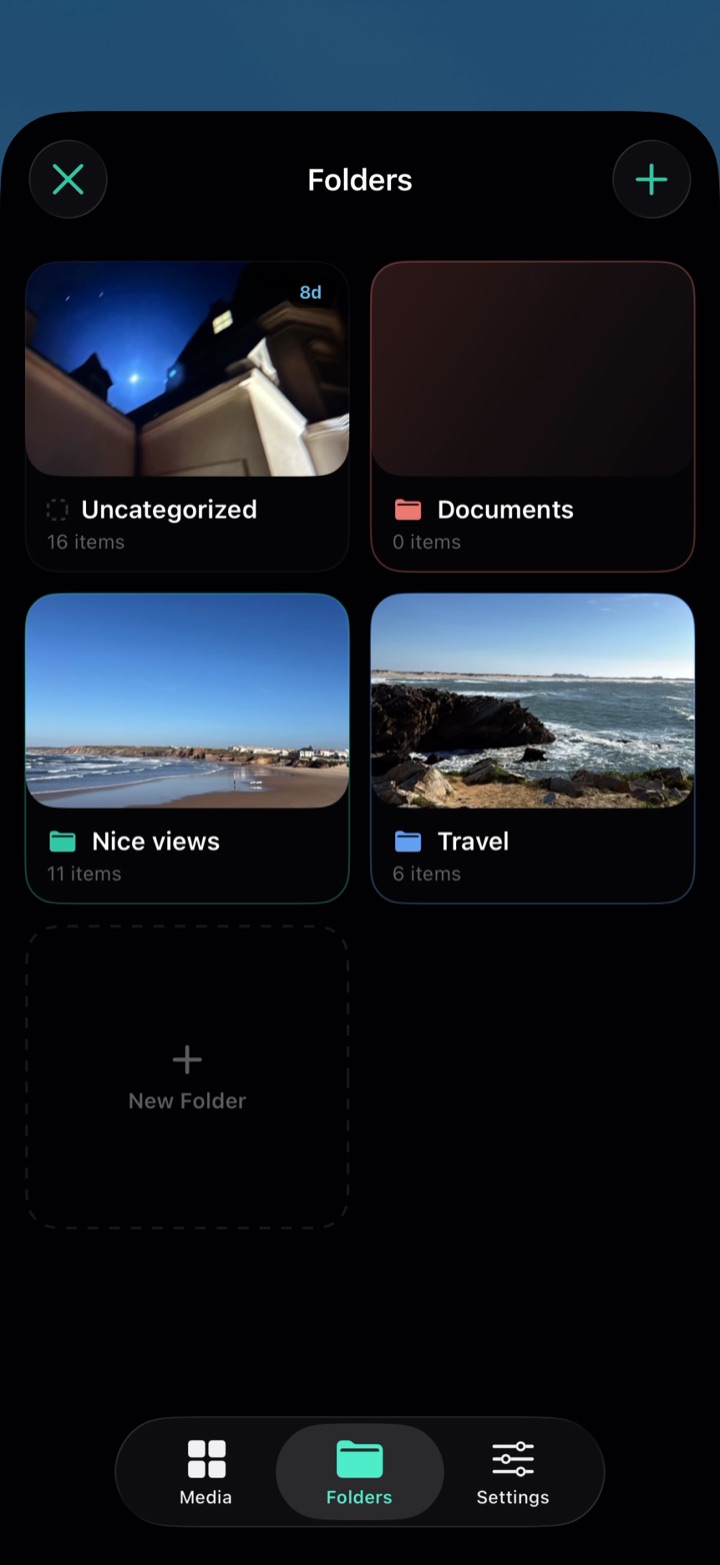
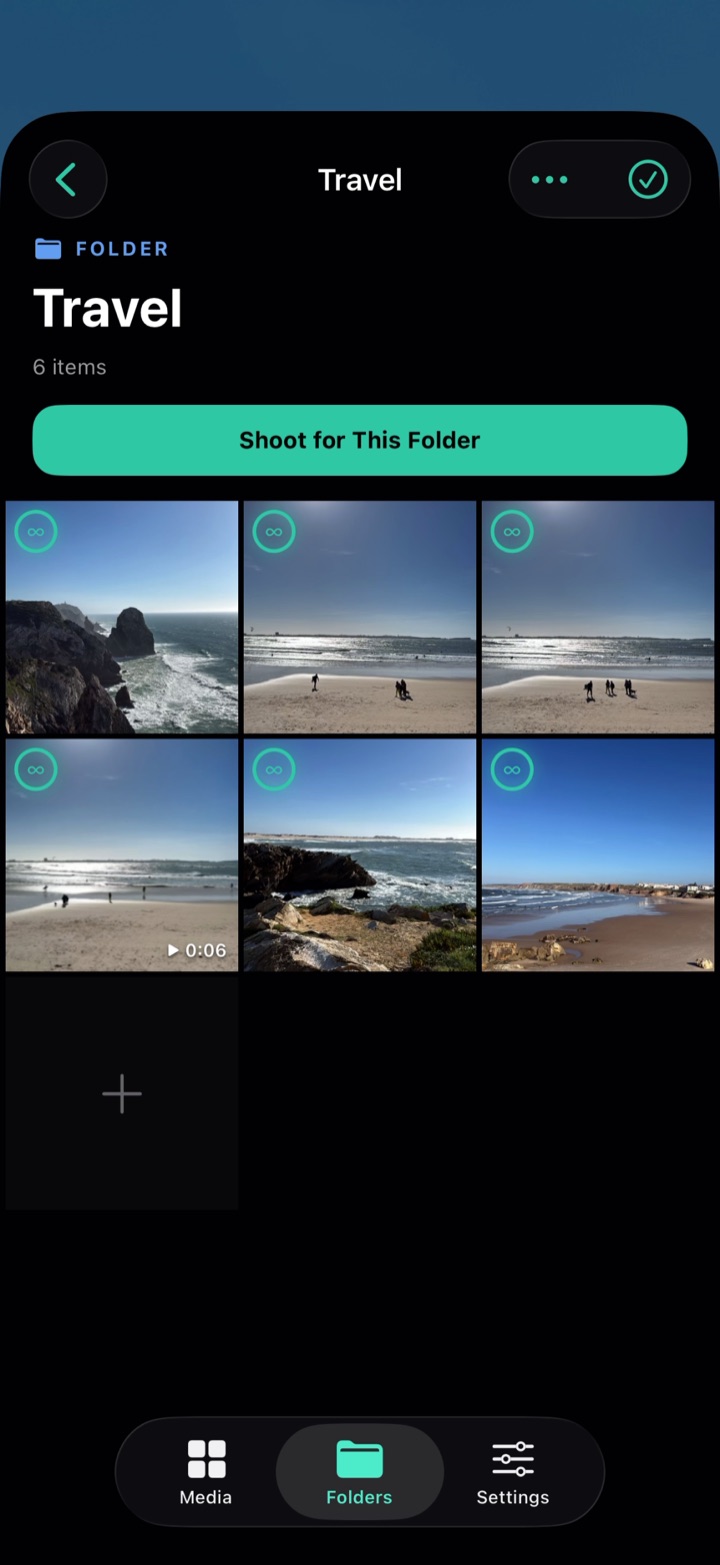
Folders With Identity
Give each folder one of six colours and a cover image of your choosing. Assign a default and shoot straight into it — the camera always shows which folder you’re in.
👆
Quick Actions
Press and hold any item in the gallery to extend its timer, change its expiry, move it to a folder, share it, save it to Photos or delete it — without entering select mode.
📸
Full Camera Experience
HEIC photos and MOV video capture through a native SwiftUI interface. HDR support, configurable frame rate, front and rear cameras, and silent recording when you want it.
🔐
Biometric Lock
Lock the gallery behind Face ID or Touch ID, so a handed-over phone doesn’t become a handed-over library. Your biometric data is handled entirely by iOS.
📲
Fully On-Device
No servers, no accounts, no analytics, no crash reporting, no advertising identifiers, no third-party SDKs. Photo Library access is Add Only, and anything you bring in arrives through Apple’s system picker — only the items you select, never a view of your library.